
Building SCORM-Compliant Courses: A Quick Guide
Learn how to build SCORM-compliant eLearning courses that are trackable, reusable, and LMS-ready, in just a few easy steps
Building SCORM-Compliant Courses: A Quick Guide
If you're creating online training content for a school, university, or workplace, you've likely come across the term SCORM. It sounds technical and a little intimidating, but it’s actually a powerful standard that makes your learning content more flexible and trackable.
Whether you're an educator designing online lessons or a corporate trainer rolling out onboarding modules, understanding SCORM can help you future-proof your content and streamline delivery across platforms.
Here’s a quick guide to help you get started.
What is SCORM and Why Should You Care?
SCORM (Sharable Content Object Reference Model) is a set of technical standards for eLearning software. Simply put, it allows your course to “talk to” an LMS, so you can track things like:
- Whether a learner has completed the course
- How long they spent on a module
- Their quiz scores and progress
Why does it matter?
Because SCORM makes your content reusable, portable, and measurable across different platforms. You can build a course once and deploy it on any SCORM-compliant LMS without rebuilding it from scratch.
Key Benefits of SCORM-Compliant Courses
| Benefit |
|---|
Trackability Reusability Consistency Interoperability Future-readiness |
Whether you’re working in education, corporate L&D, or freelance instructional design, SCORM saves time while improving the learning experience.
How to Build SCORM-Compliant Courses: Step-by-Step
1. Plan Your Learning Objectives
Before jumping into tools, be clear about what learners should know or do by the end. Define your learning outcomes, content structure, and assessment methods.
2. Choose an Authoring Tool that Supports SCORM
Some popular tools include:
- Articulate Storyline
- Adobe Captivate
- iSpring Suite
- Lectora
- Kriya Learn
Choose a tool that fits your workflow, budget, and desired interactivity.
3. Design Interactive Content
Mix in videos, drag-and-drop activities, quizzes, and scenarios to boost engagement. Keep content modular in small chunks work best in SCORM.
4. Export as a SCORM Package
Once your content is ready, export it as a SCORM 1.2 or SCORM 2004 package (depending on what your LMS supports). This usually gives you a .zip file you can upload to any SCORM-compatible LMS.
5. Test Before You Launch
Use tools like SCORM Cloud to test your package. Ensure it loads properly, tracks completion, and reports quiz scores accurately.
Common Mistakes to Avoid When Building a SCORM Training
- Overloading slides with too much content
- Forgetting to define completion criteria
- Exporting in the wrong SCORM version
- Ignoring mobile responsiveness
- Not testing on your actual LMS before rollout
Where Kriya Learn Fits In
If you’re looking to create SCORM-compliant, interactive learning content, without spending hours on technical formatting, Kriya Learn can help.
Designed for both educators and corporate trainers, Kriya Learn lets you:
- Upload your own videos or link from YouTube
- Add micro and macro assessments to videos
- Automatically generate SCORM-compliant modules
- Track learner engagement and export analytics
No need to juggle multiple tools, Kriya Learn helps you build once and deliver anywhere.
Final Thoughts
Building SCORM-compliant courses doesn’t have to be a technical nightmare. With the right planning and tools, you can create engaging, trackable content that works across platforms and audiences.
Whether you're teaching students or training employees, SCORM makes your content future-ready, flexible, and scalable.
Curious how to turn your existing lessons into SCORM packages?
Explore Kriya Learn—built to simplify content creation, tracking, and delivery for modern educators and L&D teams.
Related Articles
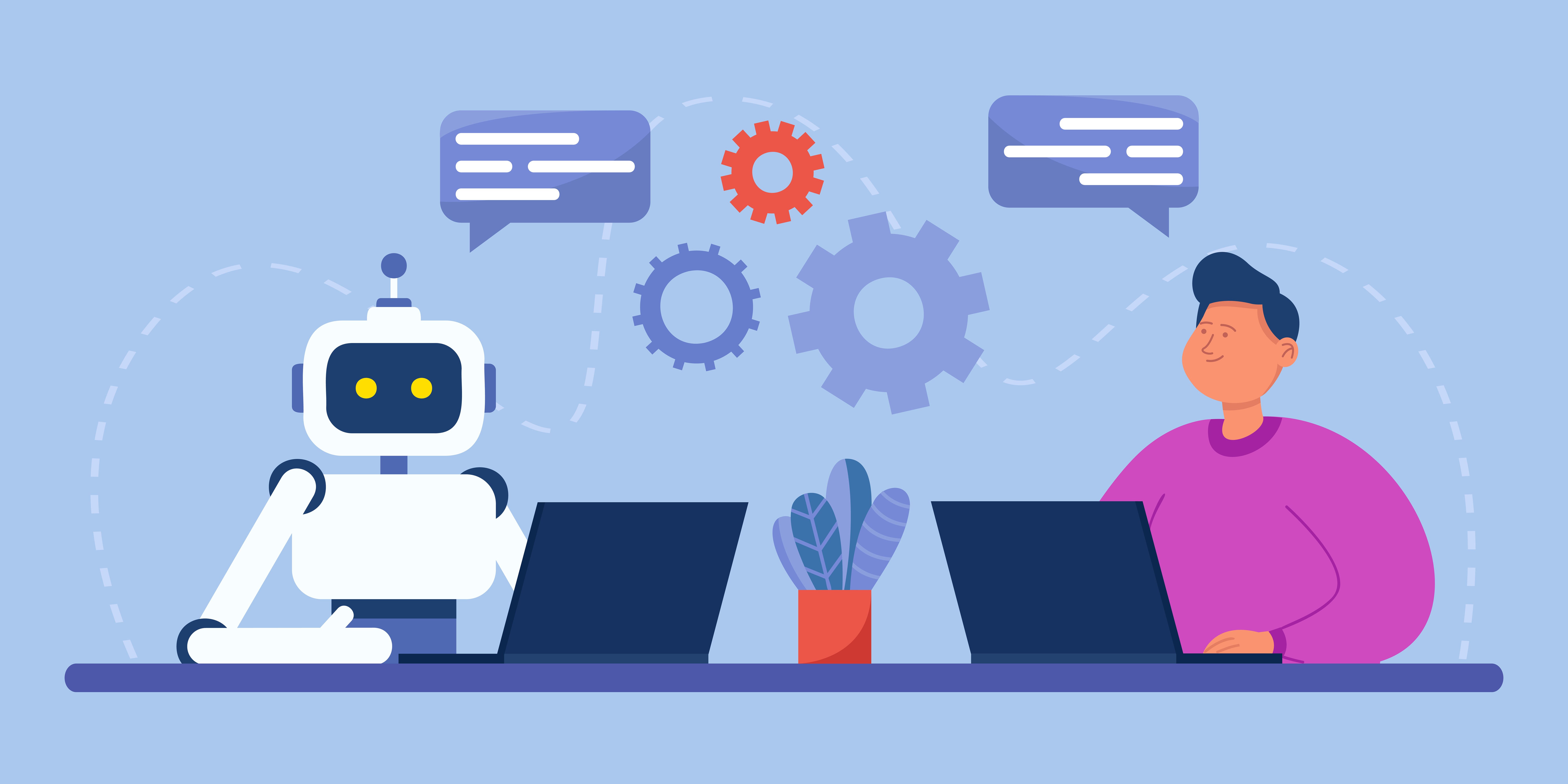
5 Signs Your Team Needs AI Literacy Training Before Rolling Out AI Tools
Adopting AI tools without workforce readiness leads to data privacy risks, unverified outputs, and Shadow AI. Here are 5 clear signs your organization needs foundational AI literacy training before expanding AI tool adoption across your teams.
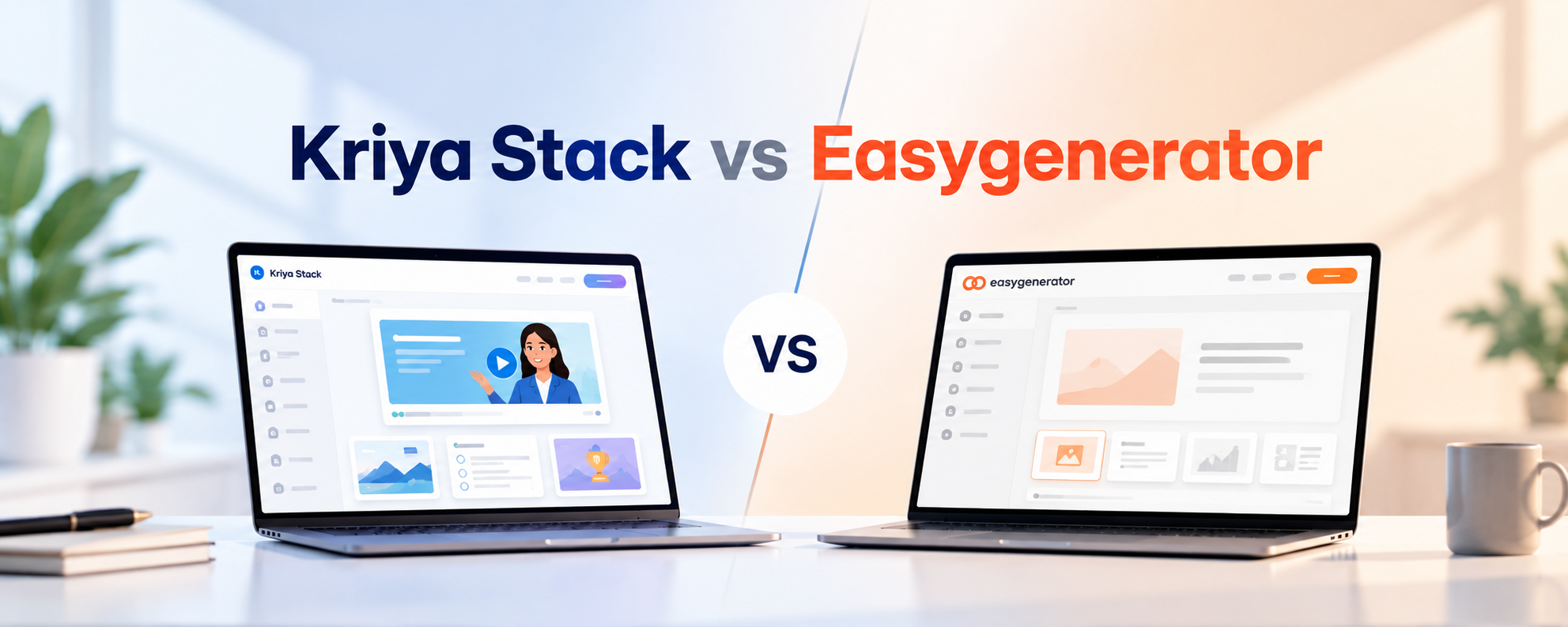
Kriya Stack vs Easygenerator: AI Course Authoring Tool Comparison
Compare Kriya Stack vs Easygenerator across AI course creation, no-code authoring, video, gamification, SCORM, analytics and multilingual learning.